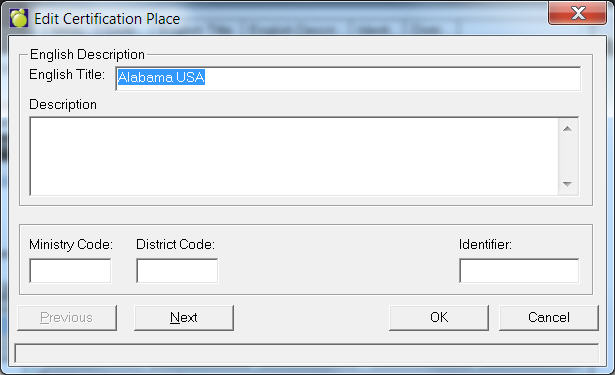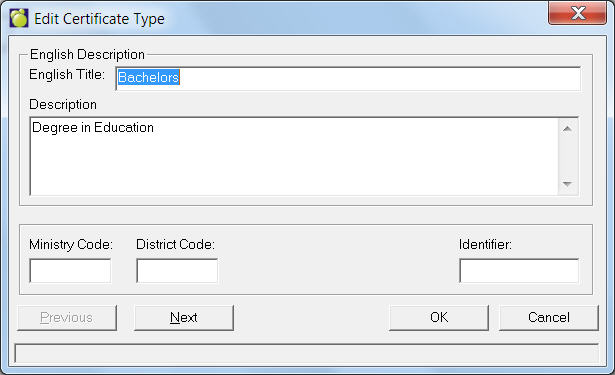
The table is defined using Staff, Custom Fields/Tables, Certification and using these options: Certificate Type, Certificate, Certification Location and Certification Place.
After defining each of your Certification Types, you can set them for each teacher on the Staff Certification tab. Choose Staff, Staff Records, (select a staff member), Certification tab.
Note: MB high schools may enter certificate information in order to populate the Sr. Years Technology Reports FB 115C and D.
Below is a sample edit screen for a Certification Type.
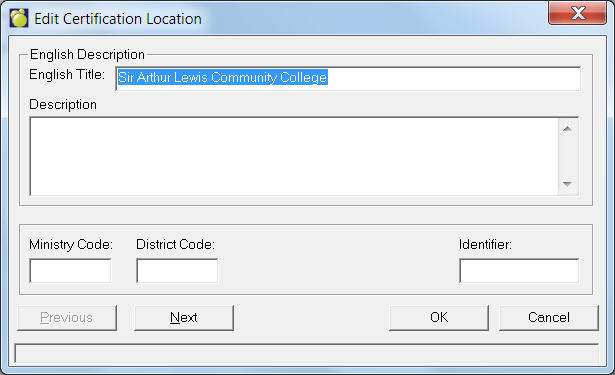
Below is a sample edit screen for a Certification Location. This means the country, city etc. where certification was obtained.
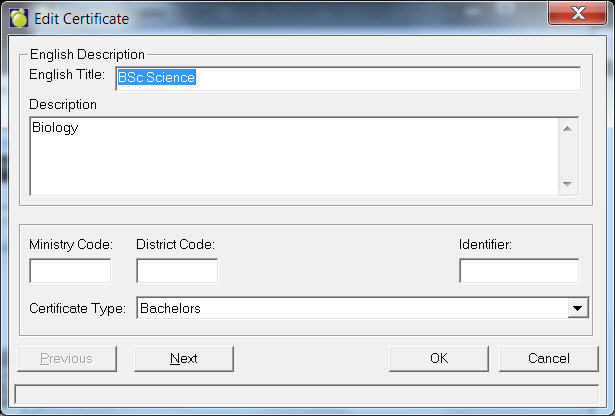
Below is a sample edit screen for a Certificate.
Below is a sample edit screen for a Certification Place. This means the institution where certification was obtained.