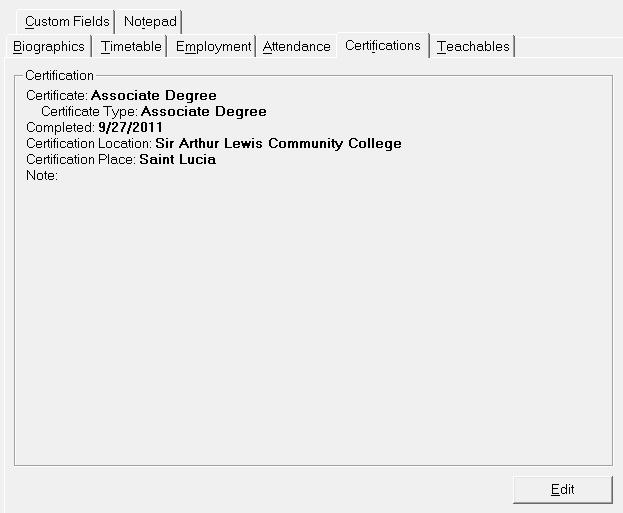
The Certifications tab is for the teachers’ certificate information as shown in this example of adding a new certification. Choose Staff, Staff Records, select a staff member and click the Certification tab to see this information box.
Note: Once a certificate is assigned to a staff, the table definition will automatically determine the certificate type shown on the tab:
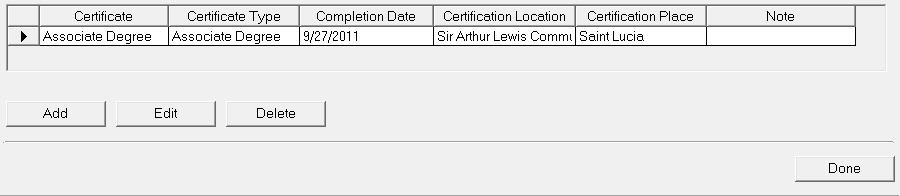
You will see an editing box when you click Edit. Any qualifications will be displayed. You can add by clicking Add or edit by selecting the qualification and clicking Edit.
To see how to set up Certification information, see these topics: