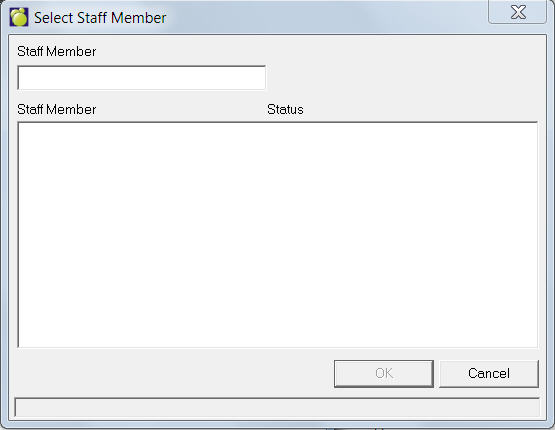
Choose Staff, Staff Records from the main screen. A Select Staff box will appear. Enter as many letters of the staff member’s surname as you want, and the computer will generate an alphabetical list. Select a staff member and click OK. The Staff Records screen will appear. Here you can view and edit information.