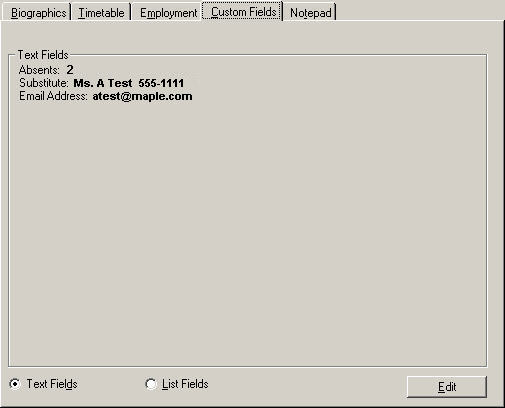
Choose Staff Records, (select a staff member), click Custom Fields tab.
Note: Caribbean Community and Common Market users will also see Teachables, Attendance and Certification tabs.
Edit - To edit custom fields for first select List or Text Fields, click the Edit button. This calls up a list of pre-defined Custom Fields.
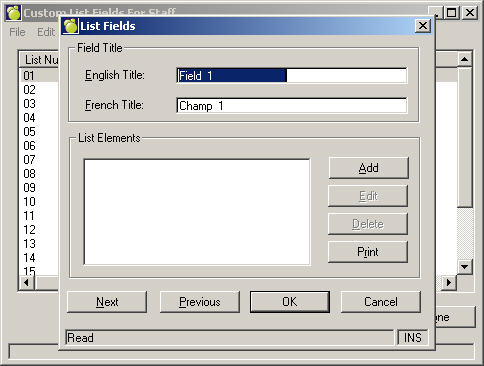
Note: To edit the list of pre-defined Custom Fields, from your main Maplewood screen choose Staff List Fields or StaffText Fields. Text Fields
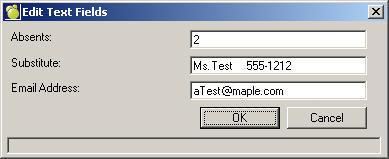
List Fields