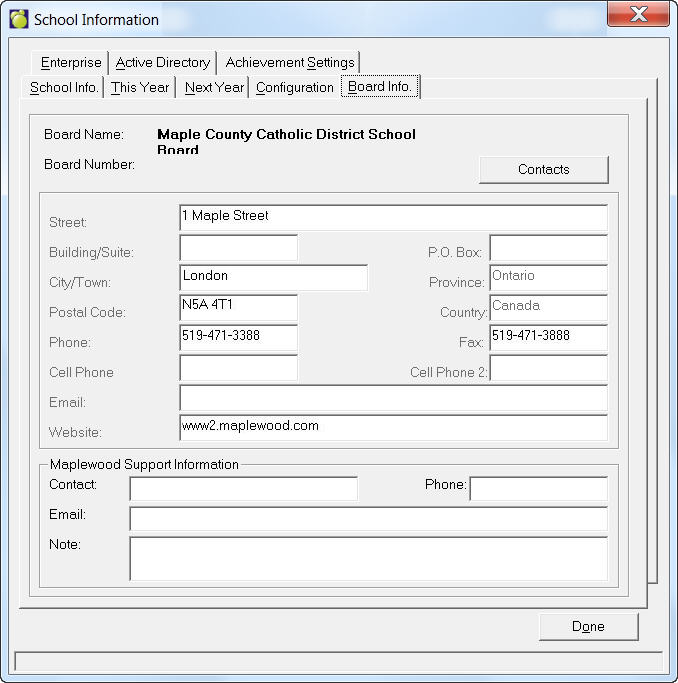
Enter address, contact and web information on this tab. At the bottom you can add Maplewood contact information. This will appear on your main administration screen.
Setting Up Contacts
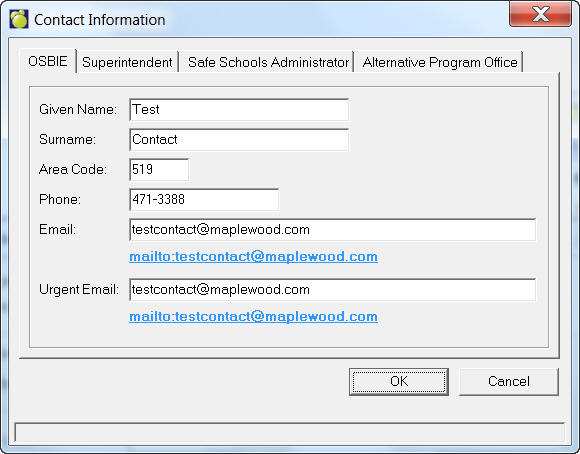
Click the Contacts button to set up contact information. Use each tab to set up name, phone and email for OSBIE, Superintendent, Safe Schools Administrator and Alternative Program Office. These fields are available in the merge fields in Define Consequence Letters.
Working With the List of Boards
Choose File, School Setup, Boards or Resident Districts (depending on your jurisdiction) to access a List of Boards or Resident Districts box. From here you can add, delete or edit a board's or district's name, number and address.