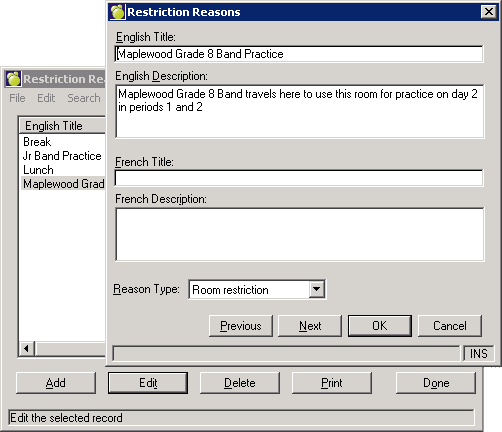
Room and Homeroom Restrictions are used to if there are restrictions that are specific to this teacher’s group of students.
To review and edit your list of homeroom/room restrictions, choose File, School Setup, Restriction Reasons. Click Add to record a new Restriction Reason, highlight a reason and click Delete to remove a previous entry, or highlight and click Edit to change an existing reason.
To apply a restriction, choose Scheduling, Modify Files, Rooms/Homerooms. Click here for more information on how to apply room/homeroom restrictions.