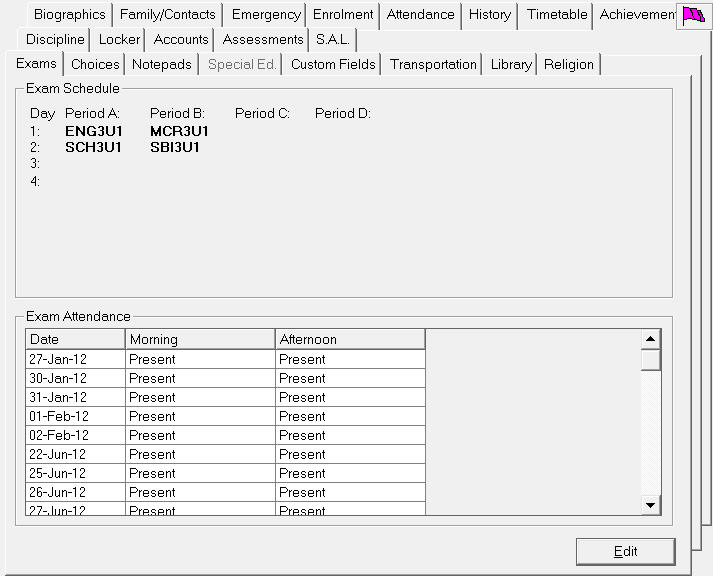
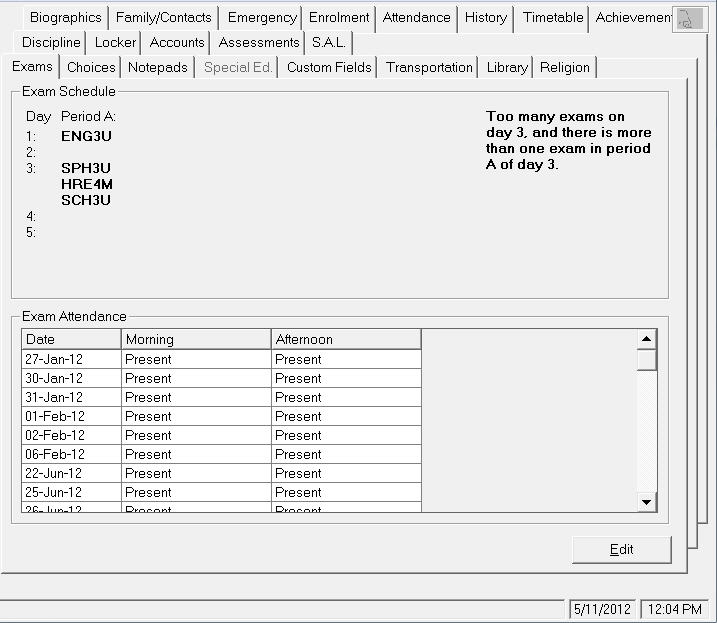
You can view Exam schedules from the Exam tab, and you can edit exam day attendance (half day attendance) from this tab. Click here for more exam information.
Click Edit to access half-day exam attendance.
If a student has exam conflicts, these will be displayed on the right side of the Exam tab. To compile a list of students with exam conflicts, choose Exam, Print Students' Exam Conflicts.
Note: To make exam scheduling changes, choose File, School Setup, Courses. Next select a course and click Edit. On the Courses window make changes in the Exam Schedule frame.
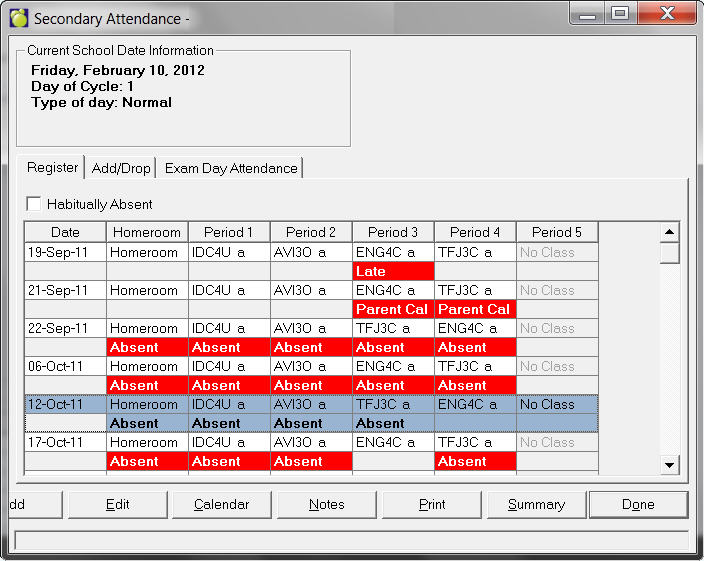
Register Tab: Use the buttons at the bottom of the Register tab to edit attendance. Access here is the same as users will have on the Attendance tab. See Secondary Student Records Attendance Tab for more information.
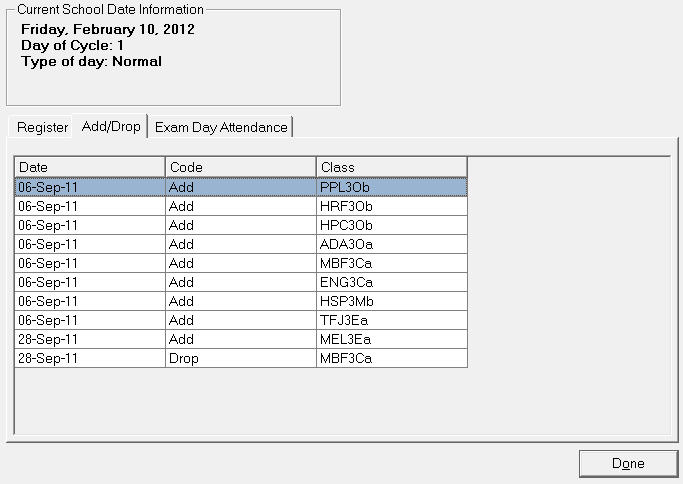
Add/Drop Tab: This tab allows viewing only.
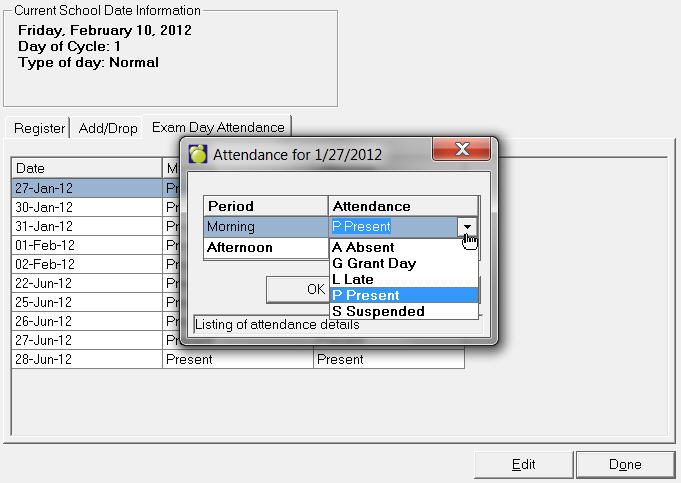
Exam Day Attendance Tab: Select a row and double-click or click the Edit button. Use the drop-down menus in the Attendance rows to change the recorded attendance.