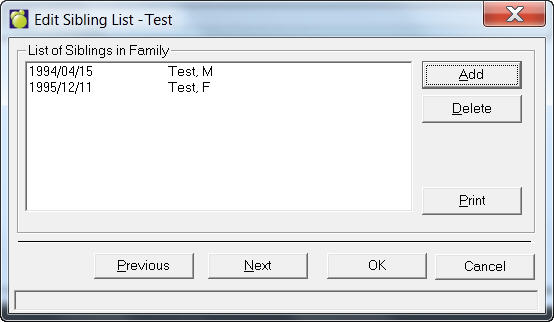
You can set up listings of siblings in the Administration System by choosing Students, Students’ Siblings from the main screen. A screen will appear for you to select a student (the last name will be displayed in the left column and siblings will be displayed in the right column).
A box with a list of siblings (if any previously set up) will appear. From this box you can add, edit and print. If you want to edit an existing list, select the list and click Edit.
Note that the box will be similar when adding to the list.
When you have finished click OK. You will use this list when you are adding a new student who has siblings attending this school.