Maplewood Enterprise includes a new enhancement to store electronic documents using the Multimedia tab in Student Records. The Multimedia tab is designed to store electronic documents including legal documents (e.g. custody/court orders) faxes, pictures, movies, sound, scanned documents, links and other multimedia sources. Documents can be linked to a single student or a multiple students, and can be categorized based on school or board defined groups.
To access Multimedia information for an individual student, choose Students, Student Records (select student), click the Multimedia tab. This tab will be enabled only if you have the Multimedia database set up under School Setup, Enterprise Tab.
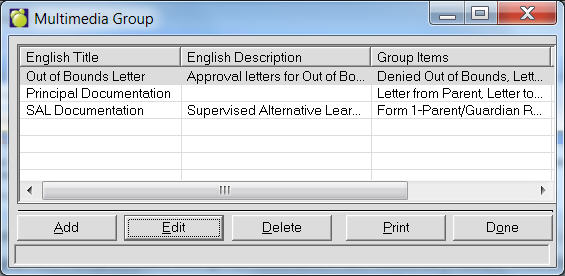
You must also have Multimedia Groups set up under Students, Custom Fields/Tables, Multimedia Groups or you will not be able to assign anything to students.
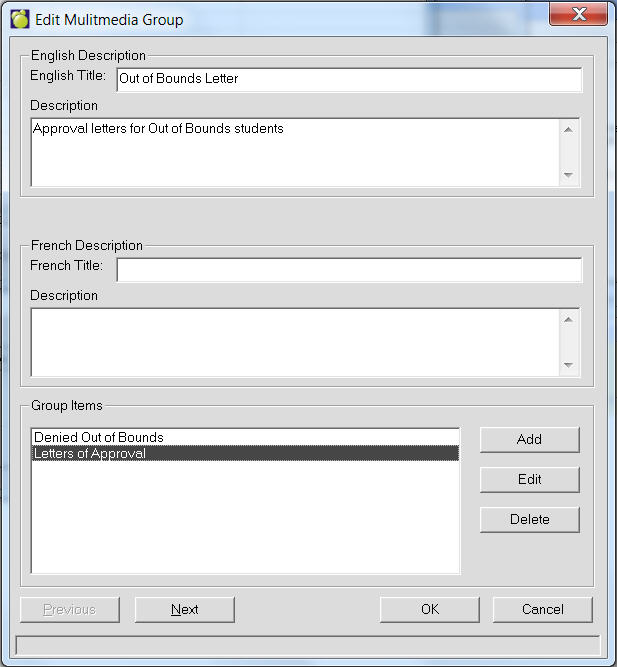
Click Add or select an entry and click Edit. This is an example editing Out of Bounds Letter
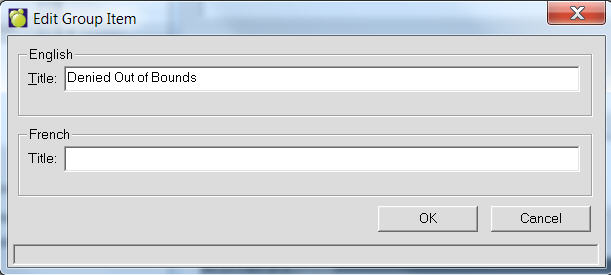
Enter titles as necessary then Add, Edit or Delete Group Items for the Group.