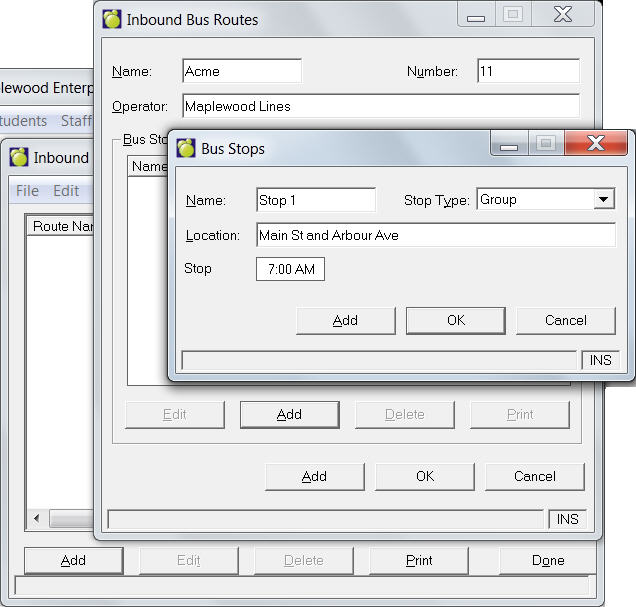
To access Transportation Lists, choose Students, Custom Fields/Tables, Transportation Lists and use these commands Inbound Bus Routes, Outbound Bus Routes, Transportation Types and Transportation Reasons.
Inbound/Outbound Bus Routes
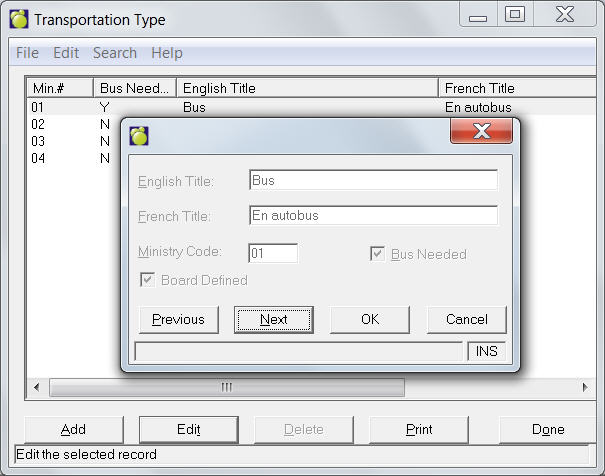
Transportation Types
Here you can record Transportation Types for your school, such as bus, walk, drive, taxi etc.
1. Choose Students, Custom Fields/Tables, Transportation Lists, Transportation Types.
2. A box will appear with a list of existing Ministry Number, Board Number and Title.
3. Select from the list and click Edit to make changes; or click Add to enter new information. A new screen will appear for you to complete editing. The Edit and Add screens are the same.
4. For either Transportation Type, enter the appropriate English Title, French Title, Ministry Code and Board Code.
Transportation Reasons
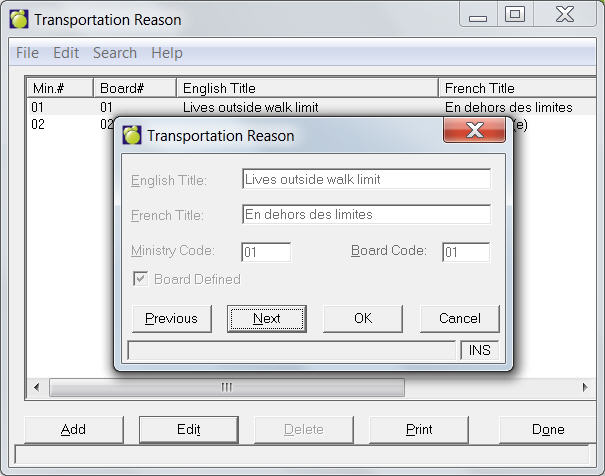
Here you can record Transportation Reasons for your school, such as lives out side walk limit, visually impaired etc.
1. Choose Students, Custom Fields/Tables, Transportation Lists, Transportation Reasons.
2. A box will appear with a list of existing Ministry Number, Board Number and Title.
3. Select from the list and click Edit to make changes; or click Add to enter new information. A new screen will appear for you to complete editing. The Edit and Add screens are the same.
4. For either Transportation Reason, enter the appropriate English Title, French Title, Ministry Code and Board Code.
Print Bus Routes
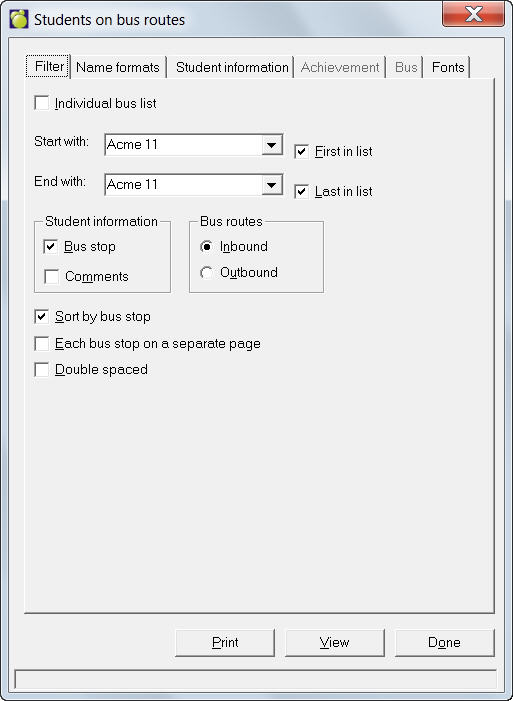
To print bus routes and individual bus lists, choose Students, Print Lists, Students on Bus Routes.
On the Filter tab, select the Start and End route, student information to be included (bus stop and or Comments), Inbound or Outbound. Then check these options if you want: Sort by bus stop, Each bus stop on a separate page and Double spaced.
On the Name Formats tab, select the Given name and middle name or the Usual name, to be printed. Then check if you want to print the Student 3 letter code and the Student number.