You can store topic-based marks in Classroom Manager for use in Maplewood. By having students' marks recorded in the Conventional marks, you can
To begin the transfer/copy of marks from Classroom Manager to Maplewood,
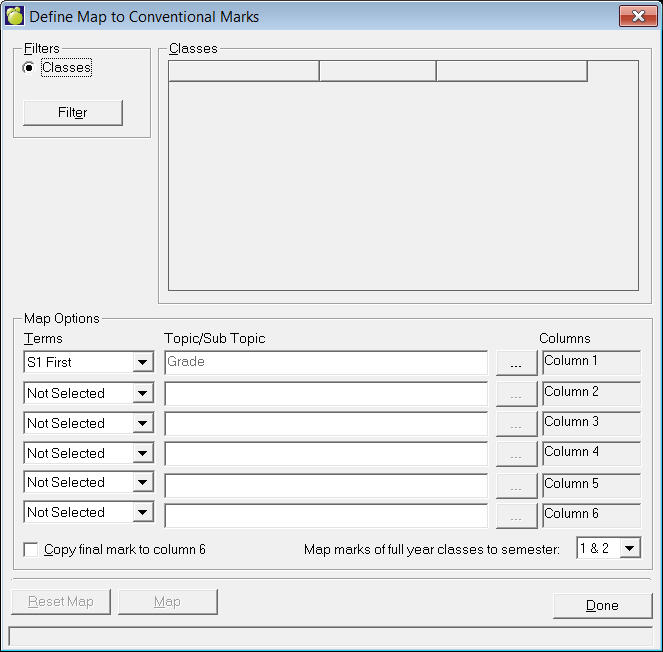
Select a term from the drop-down list. This will place the Marks from the specified Term into that column.
Select a Topic/Subtopic by clicking on the ... button and using the tree. To enter the selection in the box, click Select.
If you want to copy the Final Mark to Column 6, click the check box in the lower left corner.
When you are ready to update, click OK. Remember that this will update all Marks for all teachers students.
Caution: Once defined, the marks will continue to be updated to Maplewood. To stop the transfer of marks, the column specification must be reset to Not Selected.