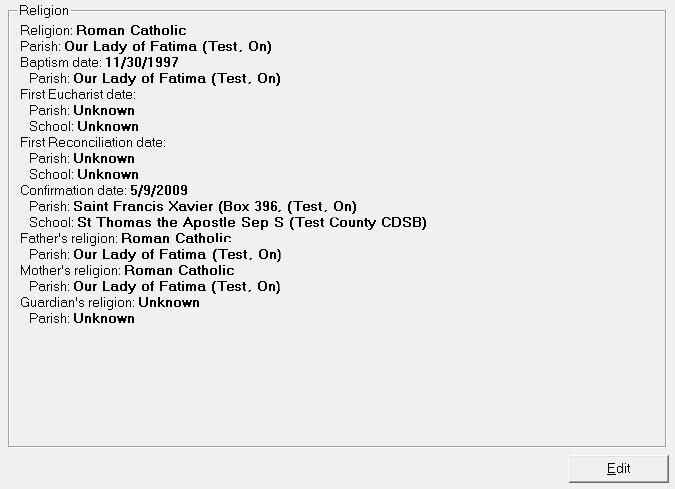
If your school is a Catholic School or a Private school, then you have the Religion Tab and the options to set up Religions and Parishes under Students, Custom Fields/Tables, Religion. Therefore, all Maplewood private, but non-religious based schools, have the options for Religion and Parishes.
To access and edit Religion information for a student record choose Students, (select student), Religion tab.
On the Edit Religion box you can change a student's religion information by clicking the Edit button.
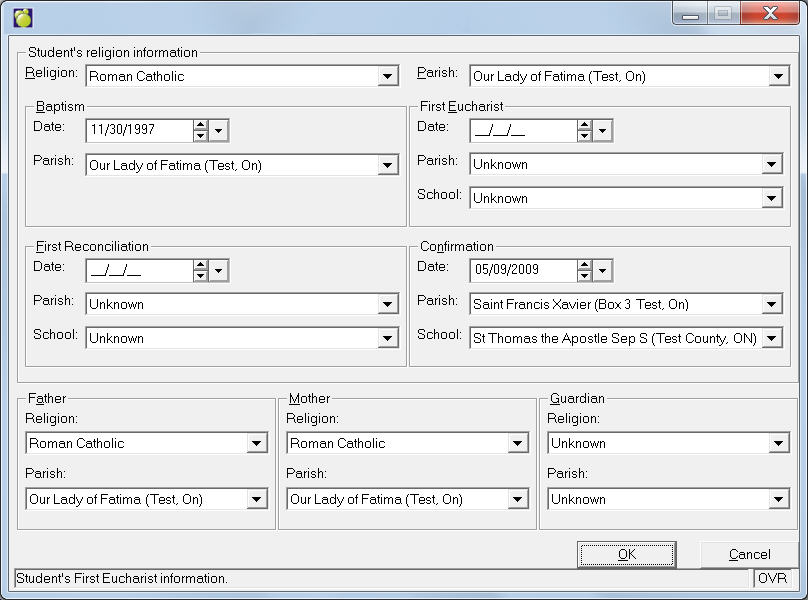
Only schools having this option set up under File, School Setup, School Information, Configuration tab will see this tab.